Put صخر between you and your phone
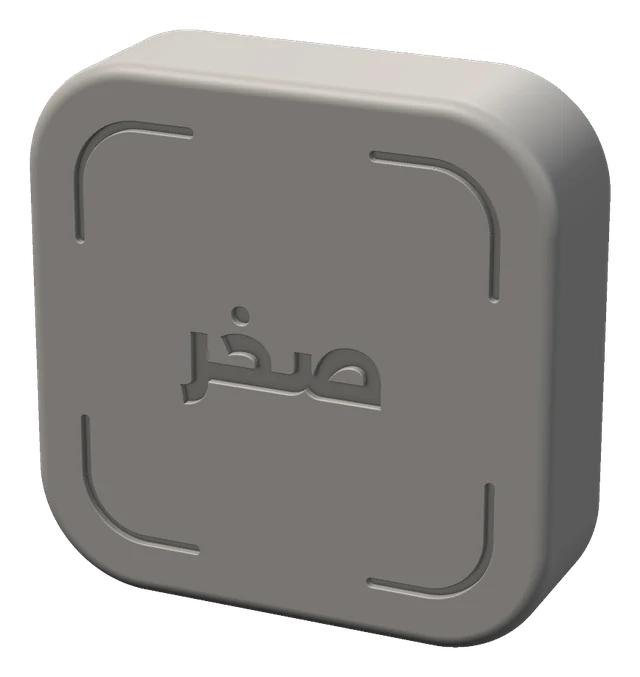
A small piece you keep away from you
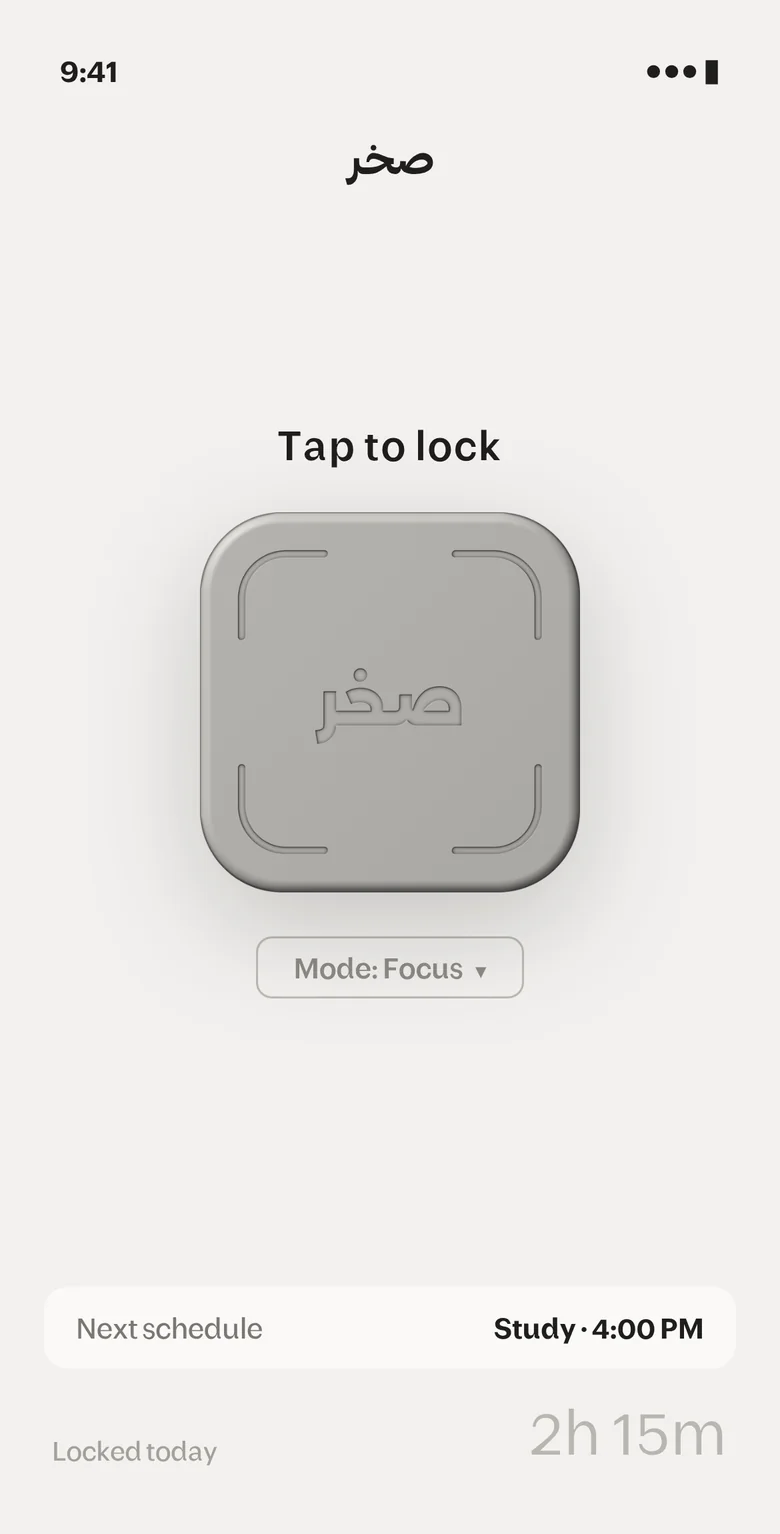
Tap it with your phone and the apps that distract you lock, and they only open when you get up and tap it again
How it works
- 1Allow Screen Time so صخر can lock your apps
- 2Pair your piece by tapping صخر to the top of your phone once
- 3Set up your modes and choose what each one locks
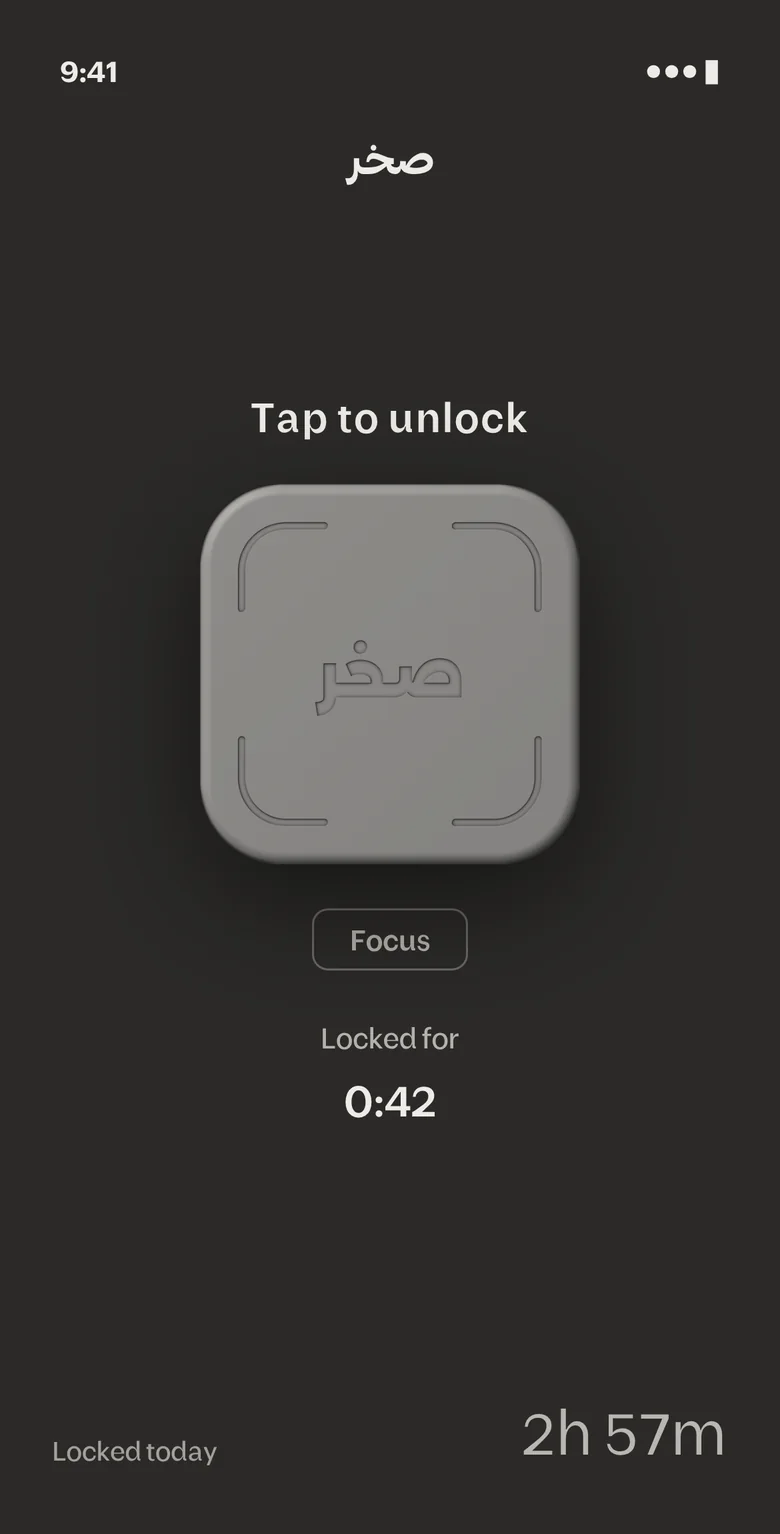
- 4Tap صخر to lock and put it away, unlocking takes another tap
What you get
Strict mode
While you are locked, you cannot delete صخر or change its settings
A mode for every time
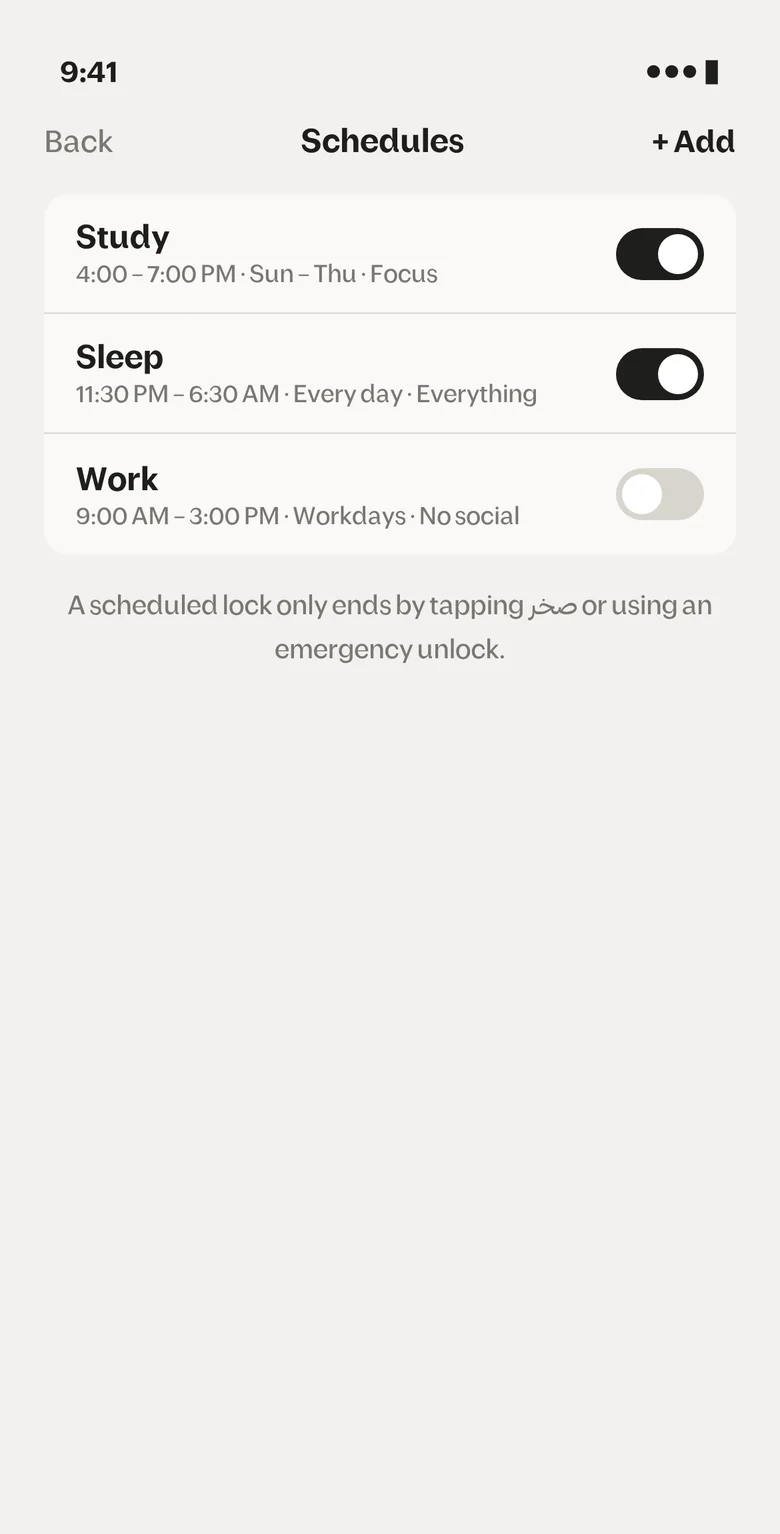
Study, work and sleep, and each mode locks what you choose
Schedules and prayer mode
Set the time and days, or let it lock with the adhan, and before its end time a scheduled lock only ends when you tap صخر or use an emergency unlock
5 emergency unlocks
If something comes up and the piece is far away, unlock without it, for emergencies only

Unlocking becomes a real step, not a button press
- 1Tap to lock
- 2Put it away
- 3Get up and tap to unlock
See the app